Your mods.
Every version.
A Fabric-native Minecraft launcher that syncs your mods and settings across every Minecraft version — without the manual folder shuffling.
Download for Windows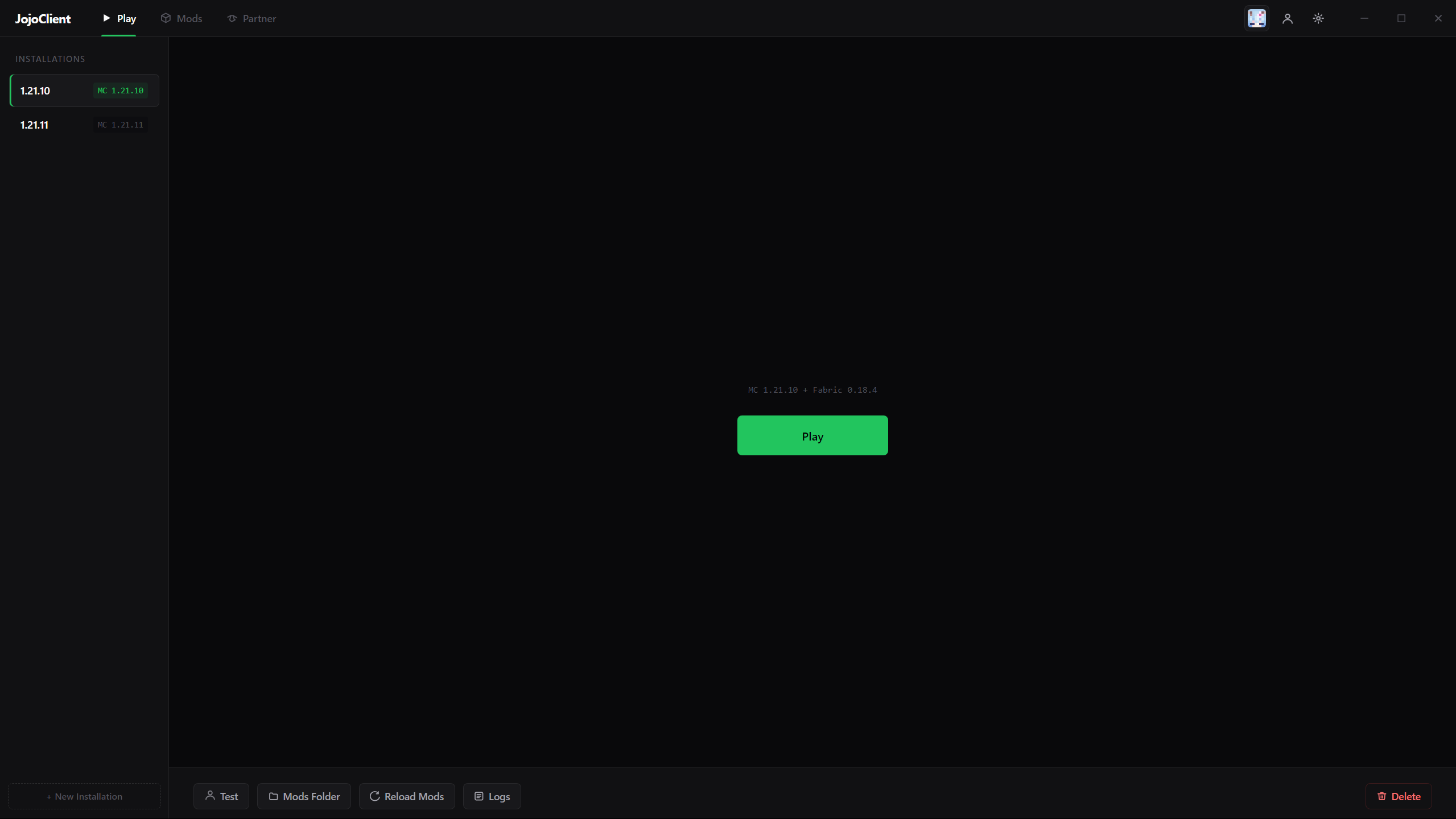
A Fabric-native Minecraft launcher that syncs your mods and settings across every Minecraft version — without the manual folder shuffling.
Download for Windows
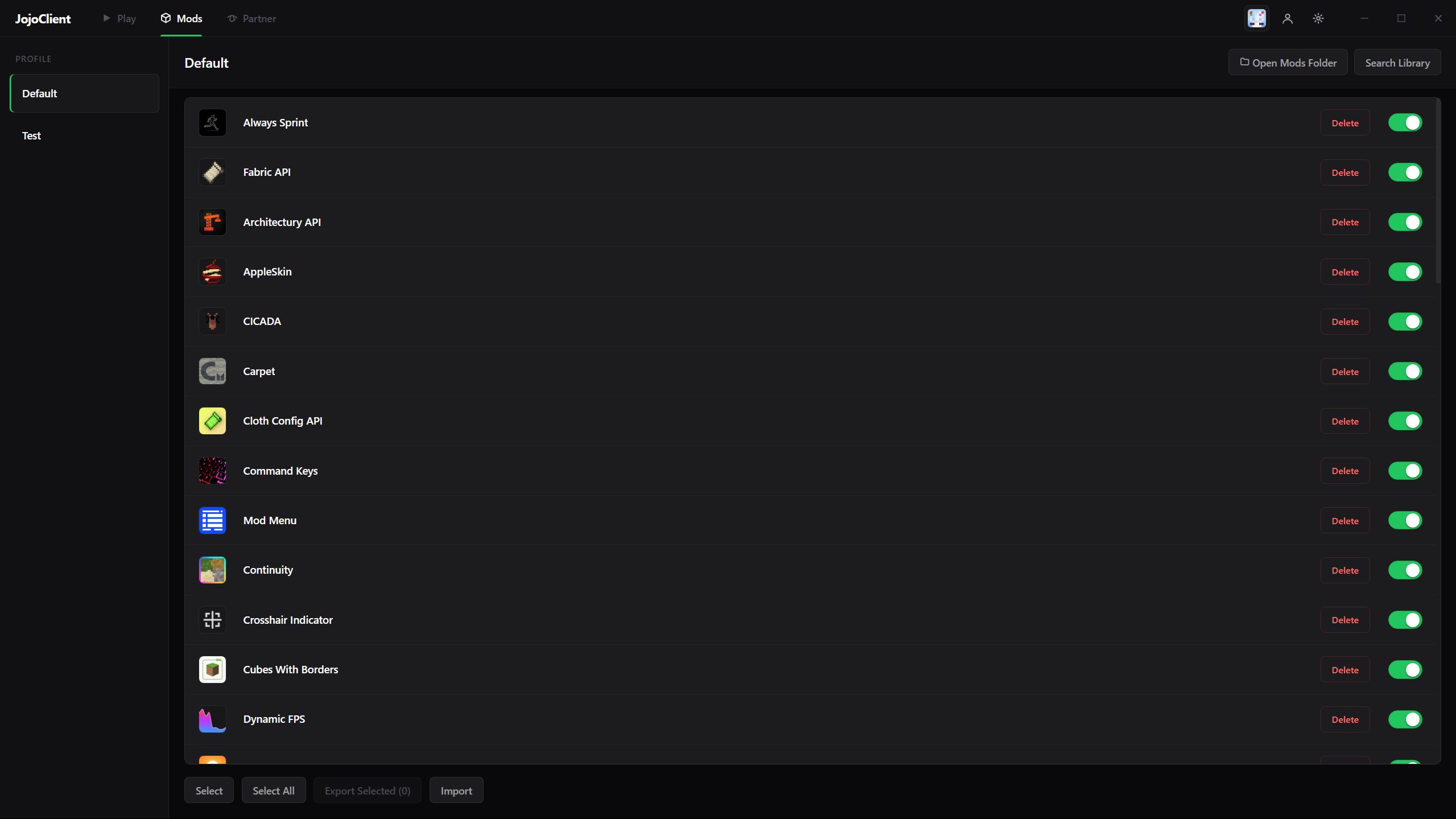
Drop a mod into your profile and it appears in every installation that uses it. The launcher resolves Fabric dependencies, deduplicates, and checks every mod for compatibility before launch — no more wrestling with mods folders.
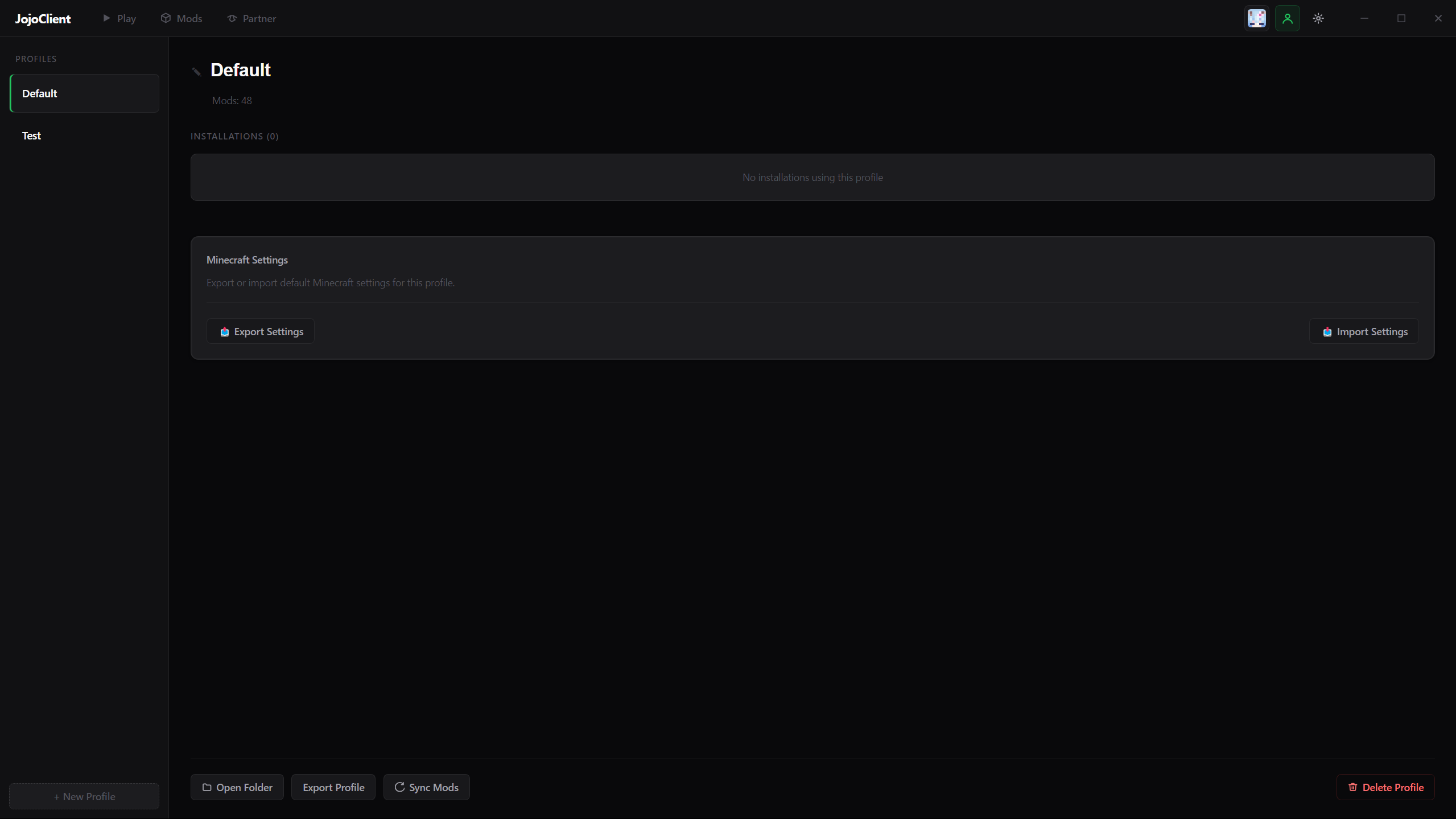
Export your mod list, configs and keybinds as one small file. Your friend imports it, JojoClient downloads the mods from Modrinth.
Free for Windows. No JojoClient account. Sign in with your Microsoft account. Runs alongside the official launcher.
Open source under the GPL-3.0. Read the source on GitHub to see exactly what the launcher does with your account and files.
Download for Windows